Look at huge builds
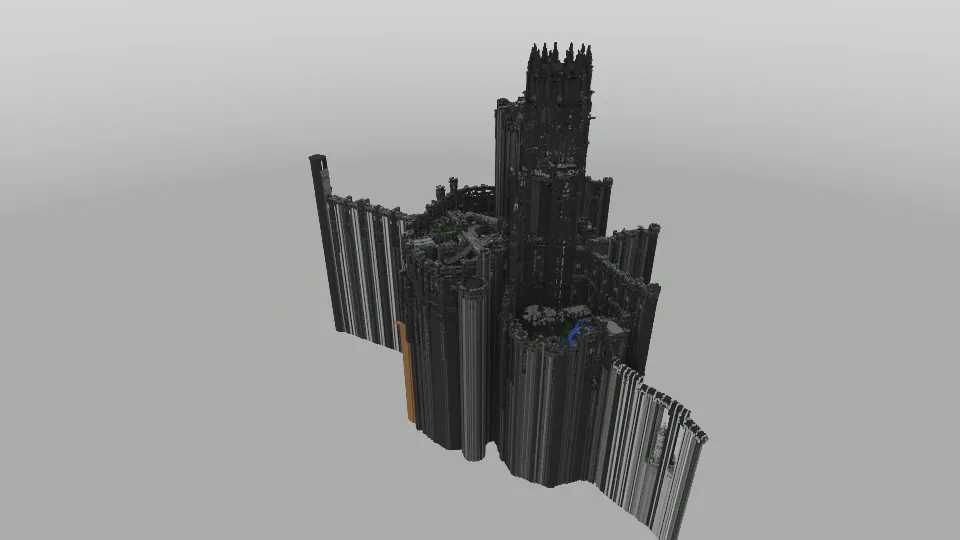
Real block shapes and textures, a floor plan view and a fly mode. We tested it with a build of 54 million voxels.
For .litematic and .schem files
Open a .litematic file and look at it in 3D, even when it has millions of blocks. The app sorts the build into parts, you can edit it, and it renders pictures with real light and shadows. An AI assistant can do all of that for you through MCP.
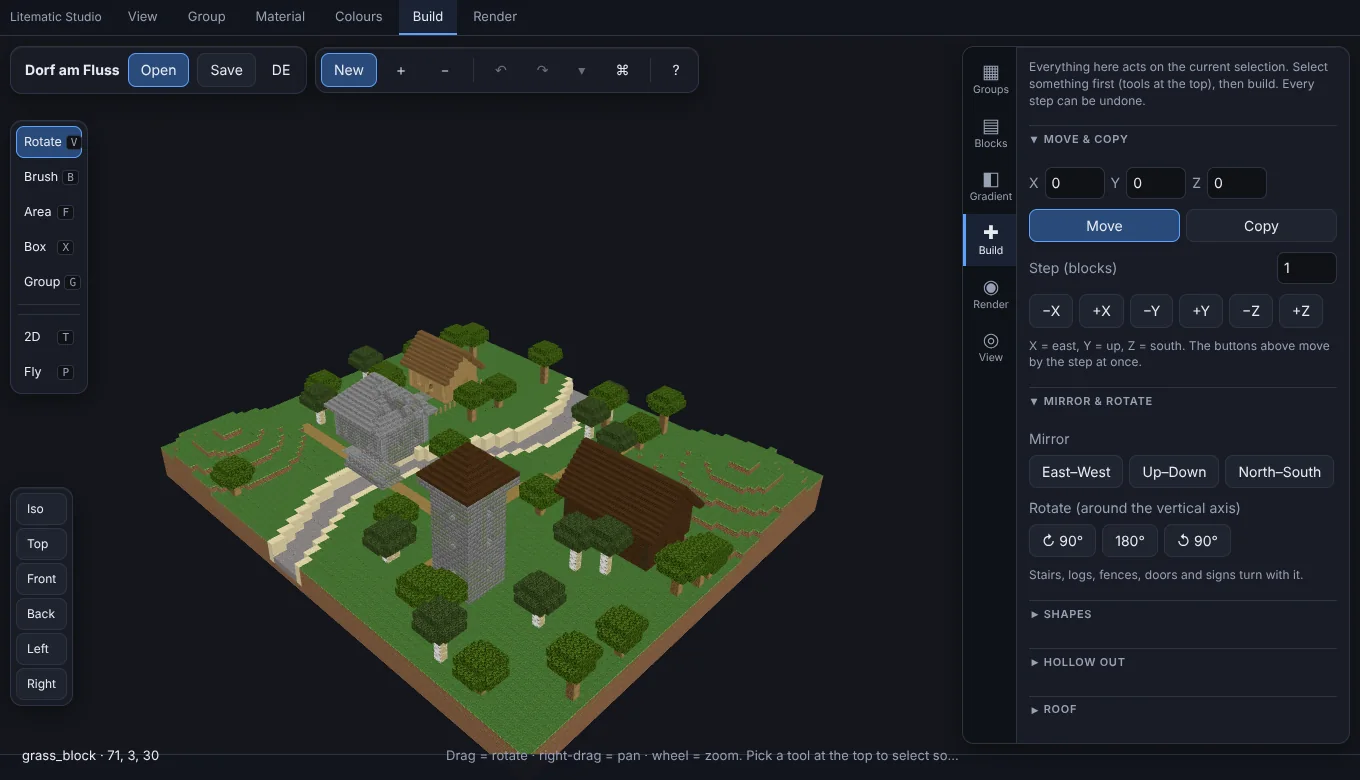
Made for builds that are too big to check by hand.
Real block shapes and textures, a floor plan view and a fly mode. We tested it with a build of 54 million voxels.
Ground, domes, towers, walls, roofs, glass, trees: the app recognises them on its own. Then you select a whole tower with one click.
Move, copy, mirror and rotate. Put on a roof, age the stone with moss, place torches where monsters could spawn. Every step can be undone, and you can save snapshots.
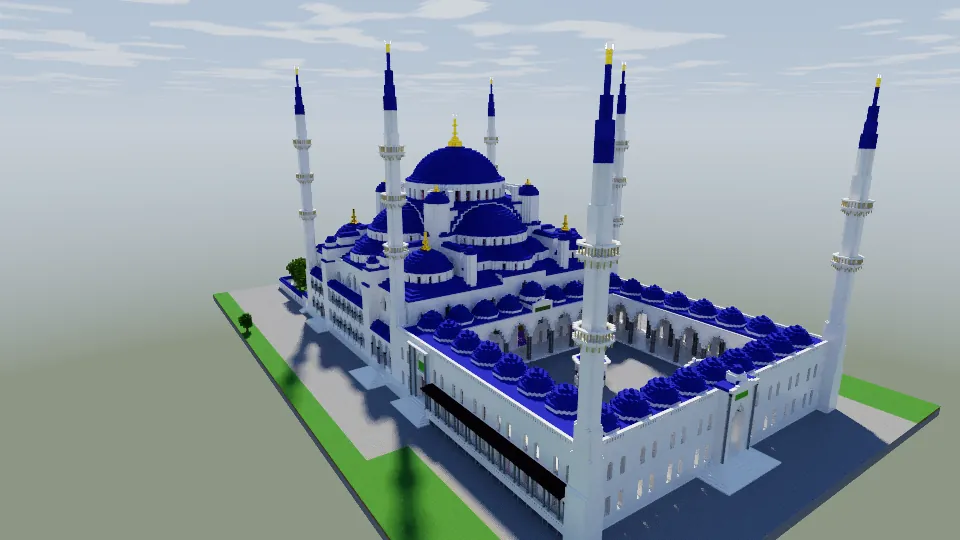
Sun, clouds, shadows, water that reflects and bends light. A denoiser smooths the grain, and a slider shows before and after.
.litematic (even with many regions), .schem, .nbt structures and zip files. Saves as .litematic or .schem.
The whole interface comes in both languages. It is laid out like a 3D program: workspaces on top, tools on the left, settings on the right.
All pictures were rendered in the app.
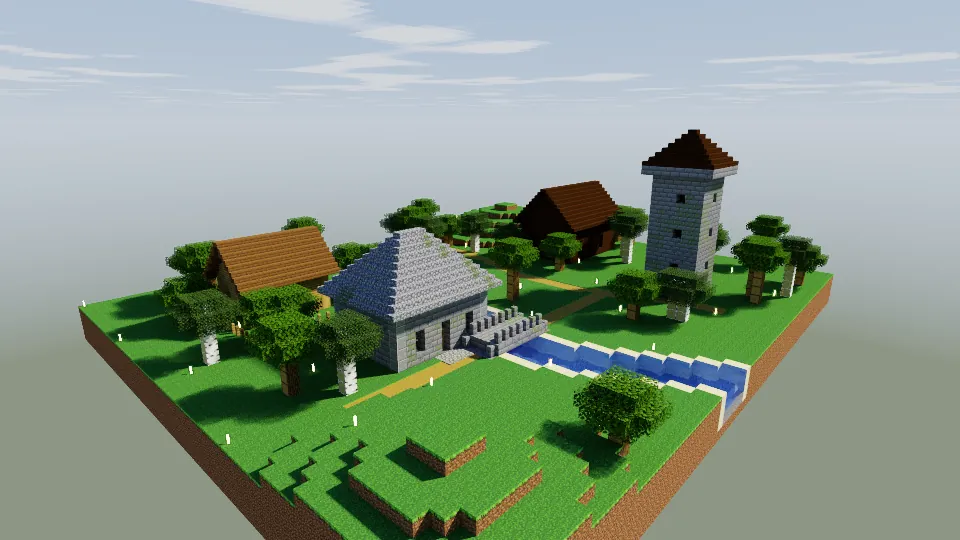
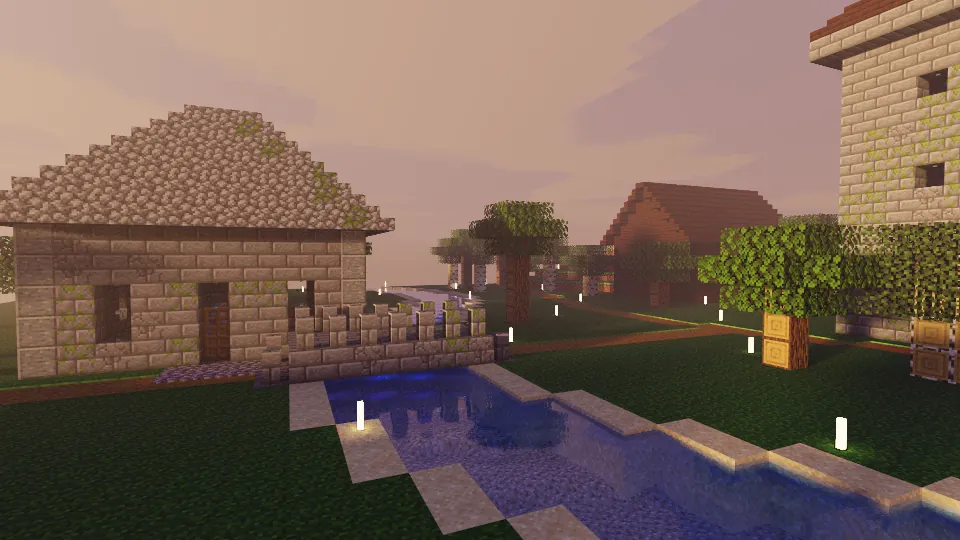
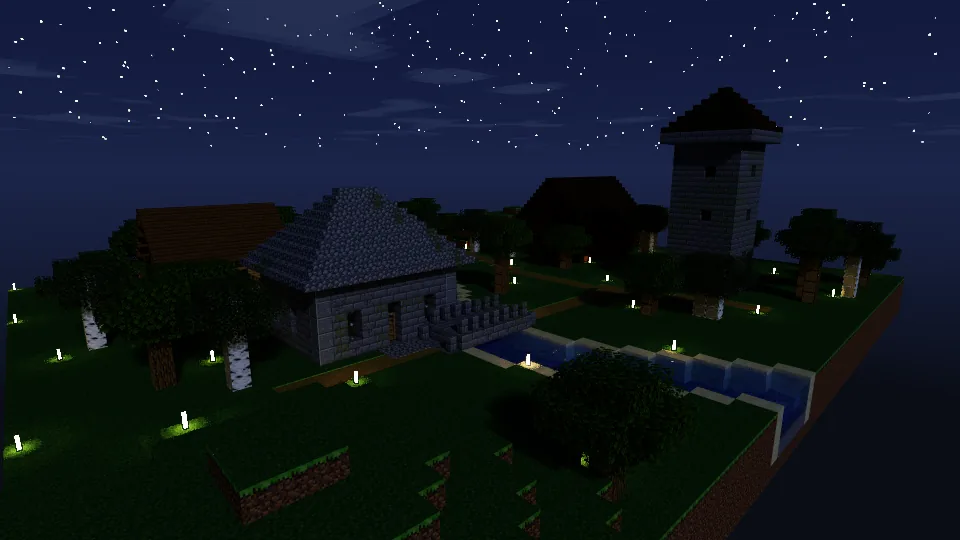
A labPBR texture pack adds relief and shine. Drag the handle to compare.
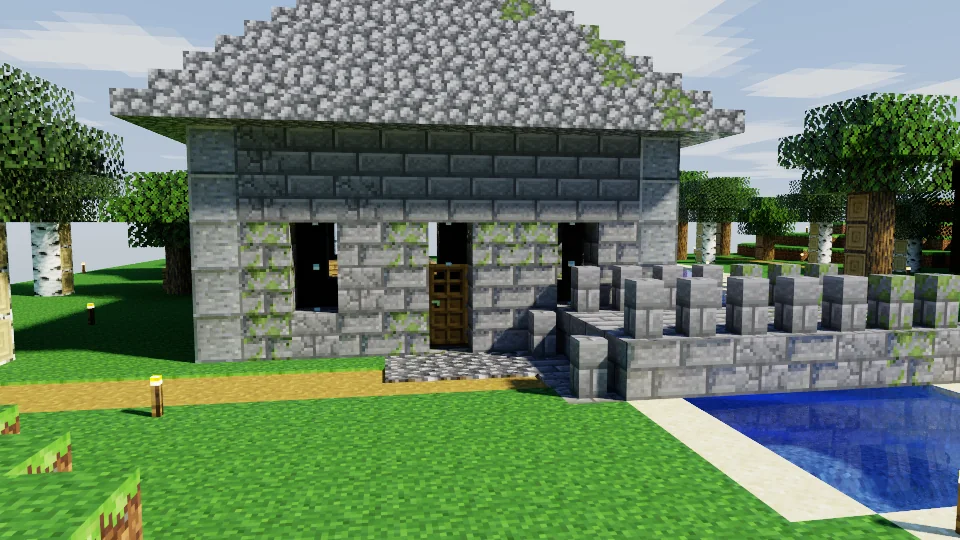
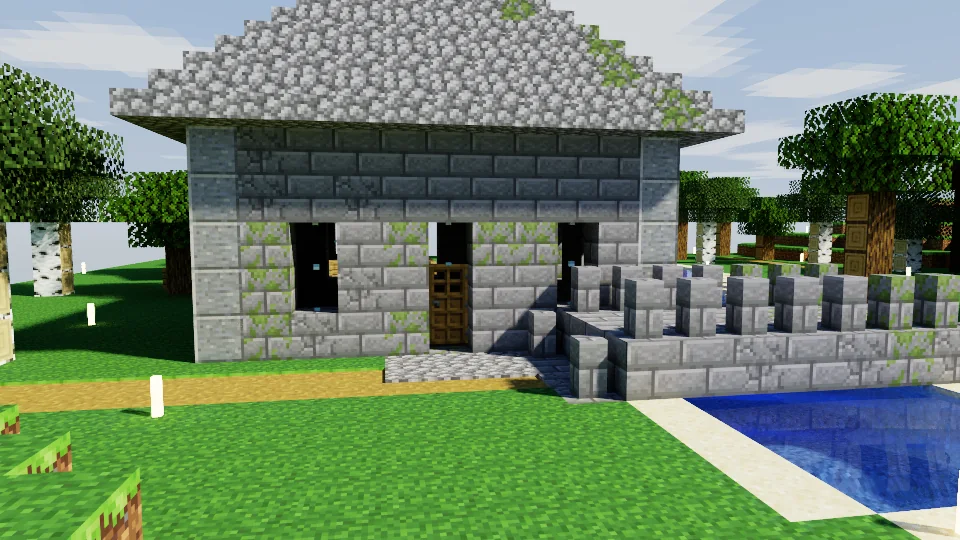 Plain texturesWith a labPBR pack
VanitasPBR is made by someone else and lives on Modrinth. In the web version, one click in the Render tab loads it for you.
Litematic Studio talks MCP, an open standard. Any AI assistant or app that supports MCP can use it directly.
The assistant looks at your build, finds its parts, puts on a roof, lights dark corners and sends you a picture. Before it tries something risky, it can take a snapshot.
You stay in charge. You both work on the same model, and every step can be undone.
auto_group13 groups: ground, trees and plants, walls, trim, windows and glass, and morelighting0 dark spots. Nothing can spawn.render960 by 540 pixels, 128 samplesAn example conversation. The numbers come from the example village.
Drag a .litematic, .schem, .nbt or zip file into the window.
Let the app find the parts, pick what you need, change it.
Make a picture or an animation, then save the schematic.
The web version is ready to use. The desktop app follows later.
For Windows, macOS and Linux. It updates itself, and MCP is built in.
Coming soonRuns in your browser, and nothing gets uploaded. The first time, it fetches the block textures straight from Mojang and remembers them.
Will be published here when it is ready.
Coming soon